

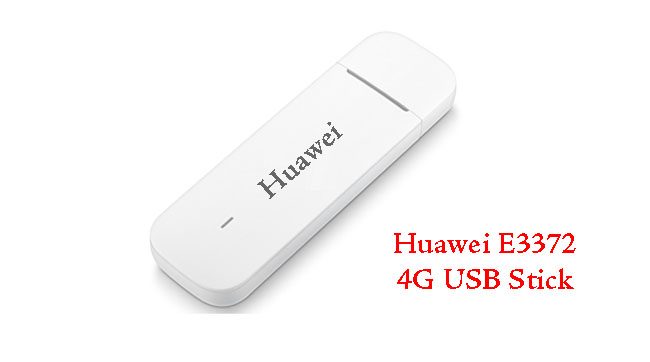
E3372 is a new 4G USB Stick from Huawei which is sleek and smart and support LTE download speed up to 150Mbps and upload speed up to 50Mbps.
Instructions to unlock Huawei E3372s are:
- To begin with, change the default SIM with another incompatible SIM card.
- Connect the dongle to your laptop or PC.
- If prompt allow windows to install the drivers.
- After installation dashboard of the modem will launch automatically.
- The dashboard will show an option to enter the SIMLock or unlock code.
- Enter the correct 8-digit unlock code and click OK.
Your device is fully unlocked and can be used with any network provider.
Unlock code is not free. You will have to pay 3 USD to get the Unlock Code. Kindly proceed only if you agree to pay the same.


Comments are closed.