

Huawei’s new LTE Cat 6 AI Cube B900 router is sold these days which supports a download speed of 300 Mbps and upload of 50 Mbps. We are pleased to inform you that you can unlock AI Cube B900 Router by entering an unlock code.
Delivery Time – It might take up to a week to get the code after placing the order but the average response time is generally three days.
Note: Kindly pay only if there is an option to enter the unlock code in your Huawei AI Cube B900 router and also there are remaining attempts to enter the code.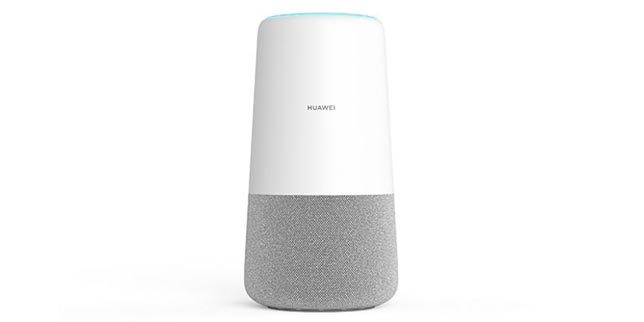
Steps to unlock AI Cube B900 router.
- Switch off your AI Cube B900 router and insert any incompatible SIM in it. i.e. if the Huawei AI Cube B900 router is locked to provider ‘A’ then insert the sim card of provider ‘B’.
- After inserting the SIM, switch on your Huawei AI Cube B900 router and connect it to your computer with the help of the cable OR WiFi.
- Open the web browser, click on the address bar, type the IP address http://192.168.8.1 and press enter from the keyboard. Kindly Note: The IP-address of your router can be different, so type the correct one.
- Because the router is locked to a specific network, you will be directed to a web page where the unlock code has to be entered.
- Enter the code which you have received from us after payment to get your router unlocked for the lifetime.